Voice AIRead Article
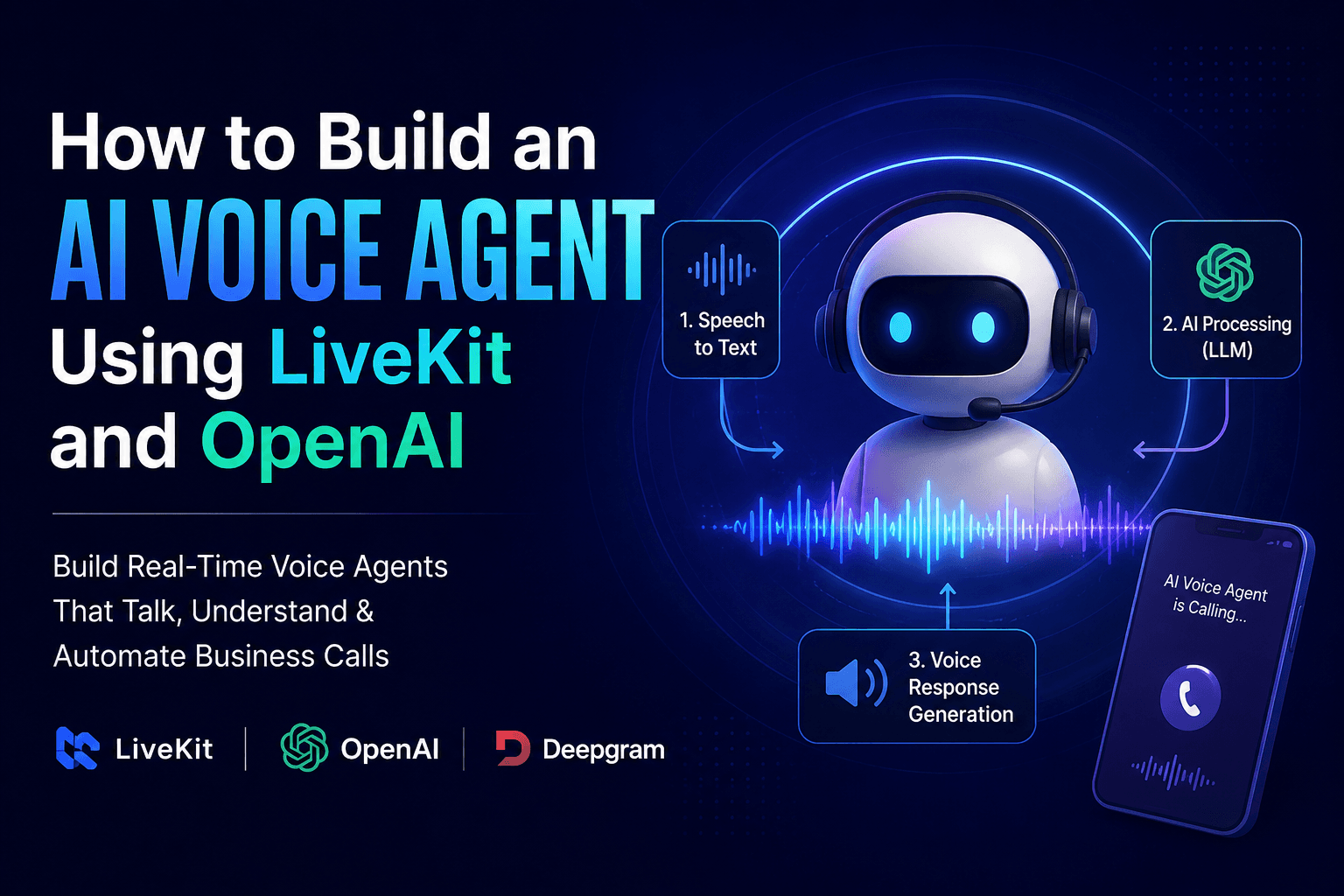
How to Build an AI Voice Agent Using LiveKit and OpenAI
Learn how AI voice agents automate business calls using modern AI tools.
July 2, 2026
8 min read
A hands-on, senior-engineer walkthrough of building a real-time AI voice agent on LiveKit — architecture, code structure, latency tuning, and deployment.
Written by
Akash Maurya
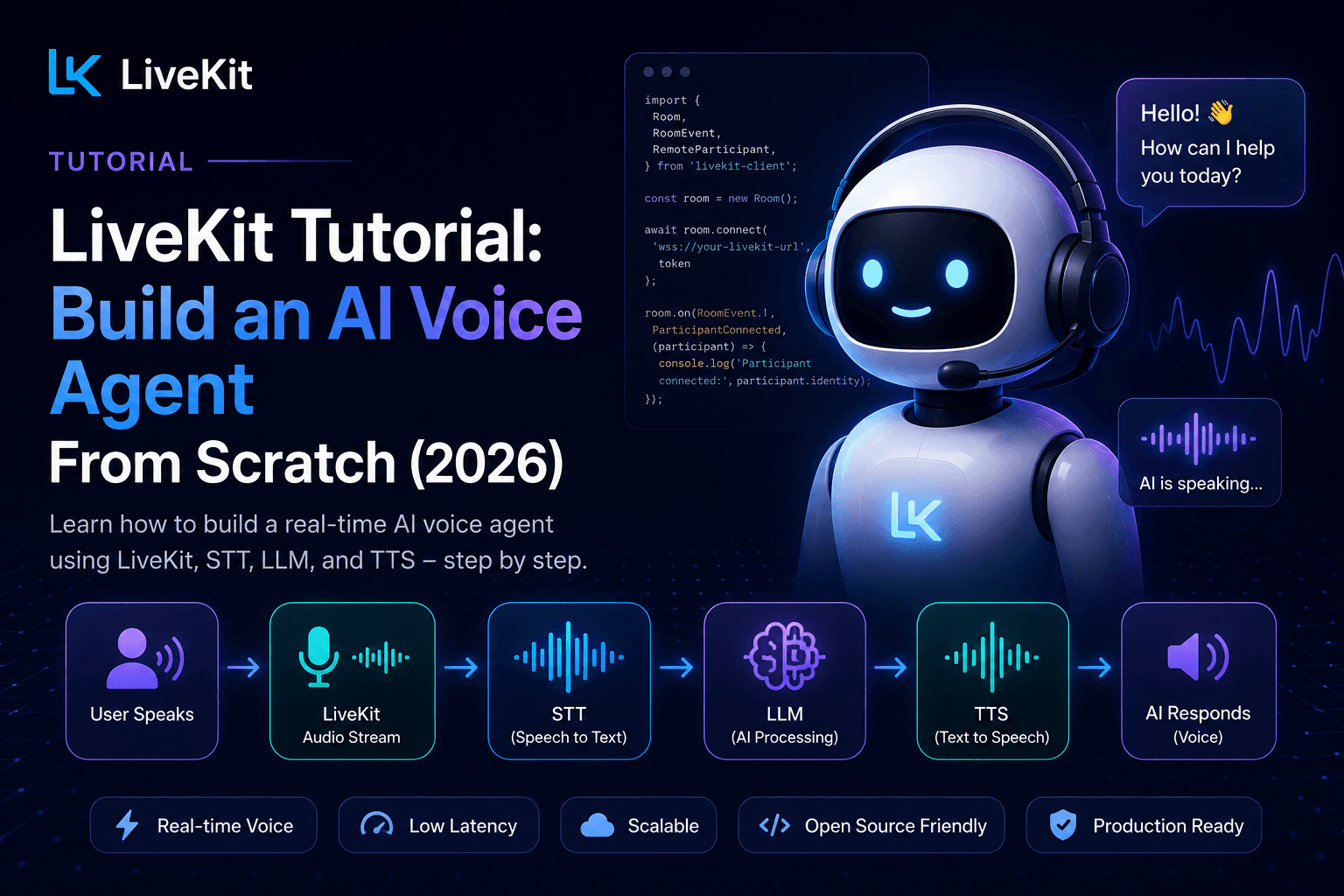
Most LiveKit tutorials stop at 'hello world' — an agent that echoes back what you said. That's not useful for shipping something real. This walkthrough goes further: defining tools the agent can call, handling barge-in properly, connecting a phone number via SIP, and deploying to LiveKit Cloud with an understanding of what you're actually being billed for.
This tutorial builds a real, deployable voice agent on LiveKit from an empty project — covering the Agents framework, STT/LLM/TTS wiring, tool calling, interruption handling, telephony hookup, and the deployment and cost details that most tutorials skip.
You'll need a LiveKit Cloud account (the free Build tier is enough for this tutorial), API keys for a speech-to-text provider (Deepgram), an LLM provider (OpenAI), and a TTS provider (Deepgram Aura-2, Cartesia, or ElevenLabs). Node.js 18+ or Python 3.9+ both work — this tutorial uses Python for the agent worker since it's the more common choice in production LiveKit deployments today.
pip install livekit-agents livekit-plugins-deepgram livekit-plugins-openai livekit-plugins-silero — this pulls in the core Agents framework plus the STT, LLM, and voice-activity-detection plugins you'll wire together.
A LiveKit agent is a worker process that joins a room and runs a voice pipeline. The core building block is an AgentSession, which wires together VAD (to detect when someone is speaking), STT, the LLM, and TTS into one coordinated loop. This is the piece that handles interruption logic for you — when the user starts talking while the agent is speaking, the session automatically stops TTS output and reprocesses the new input, which is the single hardest thing to get right if you build this from scratch.
A voice agent that can only talk isn't useful for business automation — it needs to take actions. LiveKit Agents lets you register Python functions as tools the LLM can call mid-conversation, the same function-calling pattern used in text-based LLM apps. For a restaurant or receptionist use case, this is where check_availability(), book_appointment(), or transfer_call() live.
The critical engineering discipline here: write tight, unambiguous docstrings for each tool. The LLM decides when to call a tool based on the description you give it — vague descriptions cause it to either call the wrong tool or hallucinate parameters instead of asking a clarifying question.
The default voice-activity-detection approach (Silero VAD) works on silence gaps, but it struggles with natural pauses mid-sentence ('I want to book a table for... let me check... four people'). For production quality, pair it with a turn-detection-aware STT model like Deepgram Flux, which is trained specifically to distinguish a mid-thought pause from an actual end of turn. This single change is usually the biggest perceived-quality improvement you can make to a voice agent.
LiveKit has native SIP support, which means you can route an inbound phone number (via Twilio, Telnyx, or LiveKit's own phone number product) directly into a room your agent joins — the same agent code that worked in a browser demo now answers real phone calls with no architecture changes. This is the step that turns a tutorial project into an actual product.
For production, deploy your agent worker to LiveKit Cloud's managed agent hosting rather than running it as a long-lived process you manage yourself — this gets you auto-scaling, observability (transcripts, trace spans, logs per session), and avoids cold-start issues that plague self-managed deployments. LiveKit Cloud's Build tier is free for prototyping; production traffic needs at minimum the Ship tier ($50/month) to avoid hard usage caps.
| Component | Typical Latency | What Moves the Needle |
|---|---|---|
| STT (streaming) | 150–300ms | Deepgram Flux/Nova-3 over batch models |
| LLM time-to-first-token | 200–500ms | Smaller/faster models (GPT-4o-mini, Groq-hosted Llama) |
| TTS time-to-first-audio | 150–300ms | Streaming TTS (Cartesia, ElevenLabs Flash) over non-streaming |
| Network/media transport | 20–80ms | LiveKit's global edge network, minimal by default |
Pro Tip
Target under 800ms total round-trip for a conversation that feels natural. If you're consistently above 1.2 seconds, callers will start talking over the agent — that's the threshold where 'AI voice agent' starts to feel like a bad IVR again.
On LiveKit Cloud, agent session minutes are billed at $0.01/min on top of the plan's included allotment, WebRTC minutes at roughly $0.0004-0.0005/min, and SIP/telephony minutes at $0.003-0.004/min. Add Deepgram STT (~$0.0048-0.0077/min), an LLM (roughly $0.005-0.02/min depending on model and conversation length), and TTS (roughly $0.01-0.07/min depending on provider). A realistic all-in cost for a GPT-4o-mini + Deepgram + Cartesia stack lands around $0.04-0.08 per minute at moderate volume — before any LiveKit plan minimums.
Both are officially supported by the LiveKit Agents framework. Python has slightly broader plugin coverage as of 2026; Node.js/TypeScript is a strong choice if your existing backend is already JS-based.
Yes — the LiveKit media server and Agents framework are fully open source (Apache 2.0) and can run on your own infrastructure. This makes sense once you're past roughly 5-10 million minutes/month or have strict data-residency requirements.
Swap the STT/TTS provider or model based on detected language, and adjust the LLM system prompt accordingly — LiveKit's plugin architecture makes this a configuration change, not a rearchitecture.
Building a real-time voice agent from raw WebRTC primitives is genuinely hard — you're dealing with audio buffering, voice activity detection, turn-taking, interruption handling, and orchestrating three separate AI services (STT, LLM, TTS) with strict latency budgets, all while keeping a stable media connection. Most teams either underestimate this complexity and ship something that talks over users, or over-invest building infrastructure LiveKit already solved.
LiveKit's Agents framework abstracts the real-time media plumbing — VAD, turn detection, interruption handling, and the STT-LLM-TTS pipeline — behind a clean Python or Node.js API, so engineering effort goes into the actual conversation logic and tool integrations instead of reimplementing WebRTC audio handling.
Written by Akash Maurya.
Published on July 15, 2026 • Updated on July 15, 2026
Learn how AI voice agents automate business calls using modern AI tools.
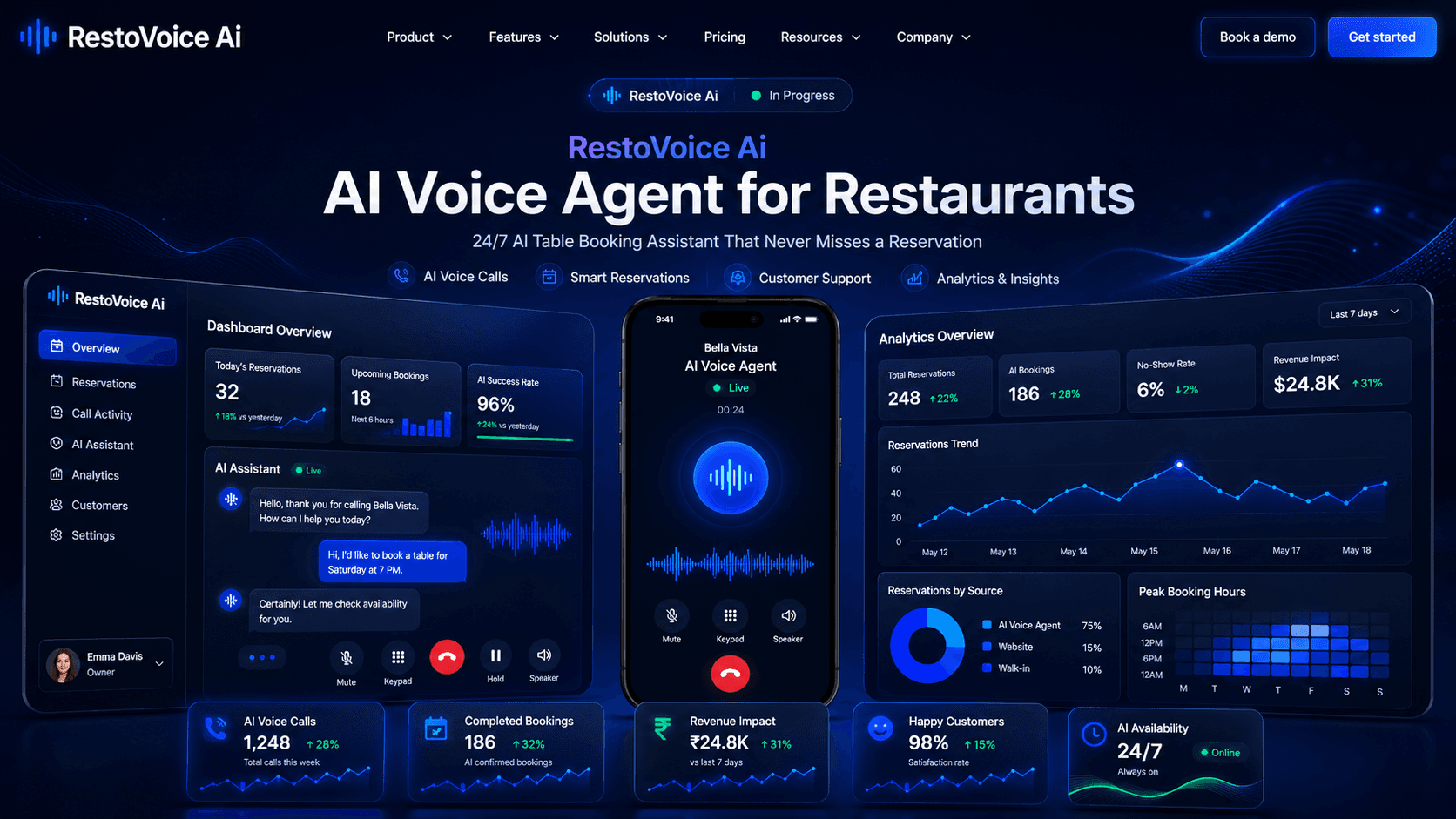
A senior engineer's field guide to deploying AI phone agents that take reservations, answer menu questions, and stop restaurants from losing money on missed calls.
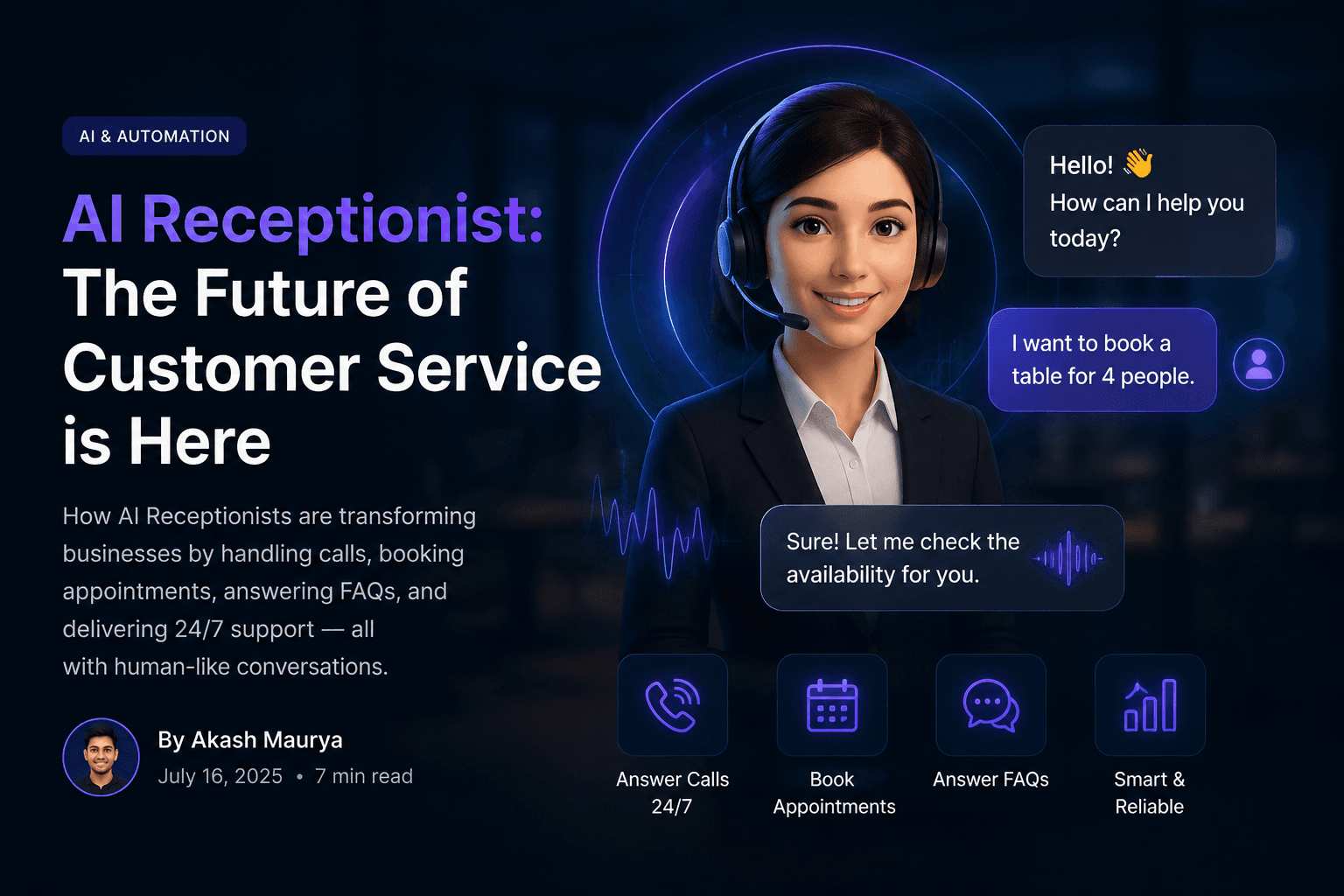
A practical look at how AI receptionists work, where they genuinely outperform humans, where they don't, and how to deploy one without breaking the guest or customer experience.
I build modern AI Voice Agents, SaaS platforms, automation systems, and full-stack applications that help businesses automate operations and improve customer experiences.